Anisotropic refinement
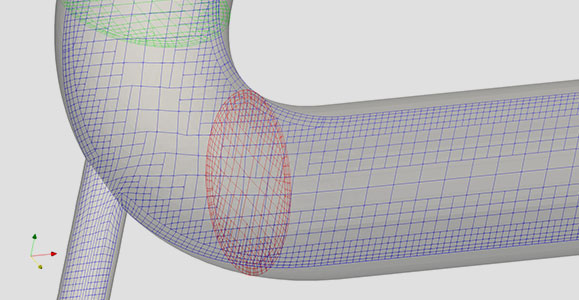
Refine each axis independently so thin, elongated features get resolution only where it matters.

CRID turns a surface geometry into a trimmed hexahedral mesh with boundary layers, using cut-cell and advancing-layer methods. No meshing expertise required.
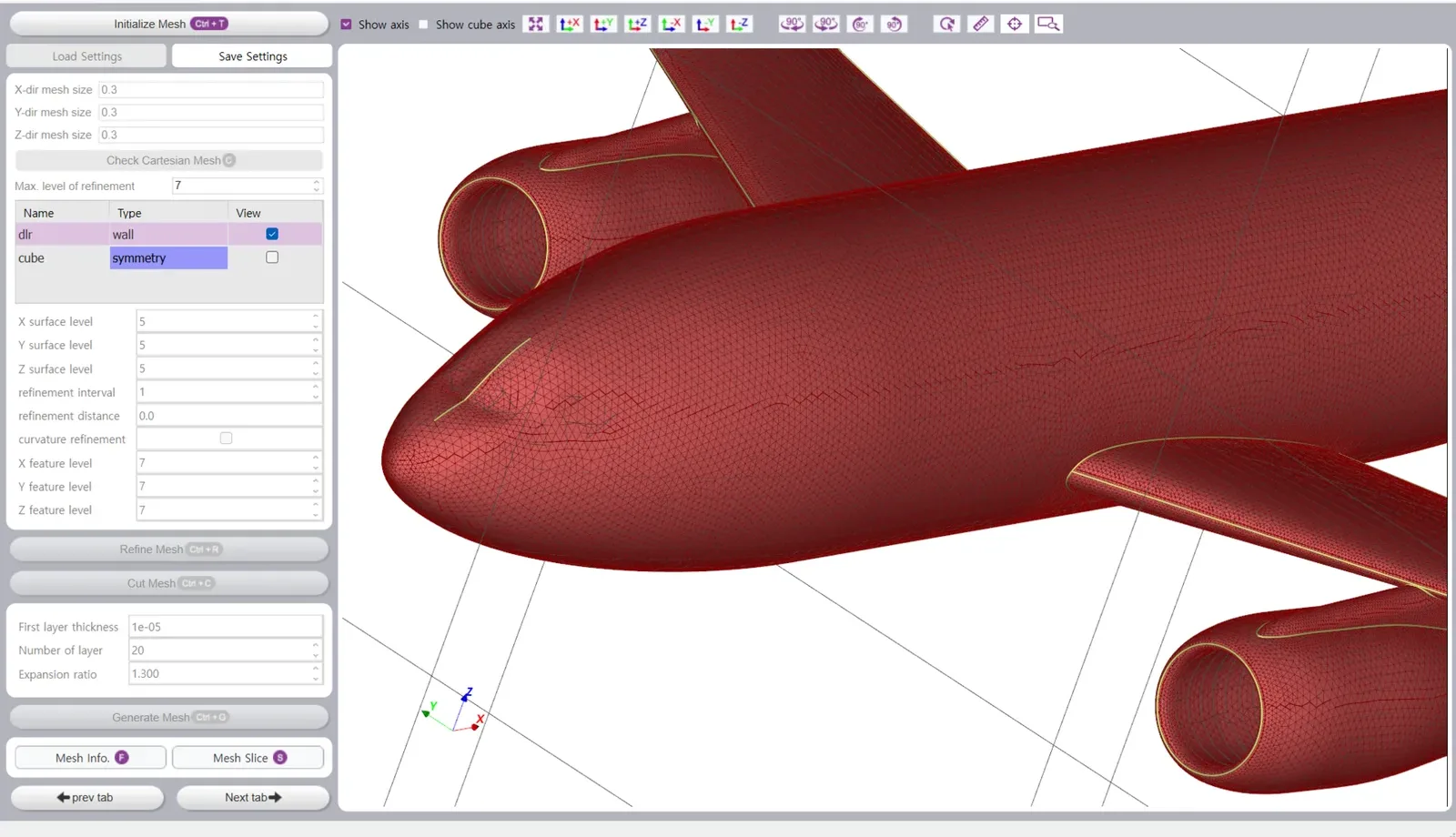
Built for engineers who want a good mesh today, not a meshing course this quarter.
Refine each axis independently so thin, elongated features get resolution only where it matters.
A Cartesian background grid is trimmed by the geometry, producing a body-fitted polyhedral mesh automatically.
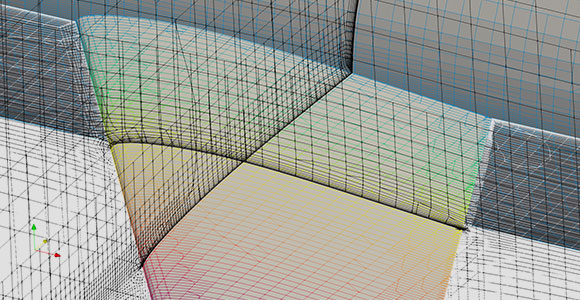
Prism layers grow from the wall with first-layer thickness, count and expansion ratio you control.
Sharp edges are found by dihedral angle, or simply picked in the 3D view with the mouse.
Group surfaces into boundary patches, or split a patch along feature segments in one click.
Write polyMesh with cell zones or a Fluent .msh file and move straight to the solver.
The left panel walks you through the same five steps every time: Geometry, Mesh Generation, Boundary & Zone, then Export.
Import STL, group surfaces into patches, transform if needed.
Detect sharp edges by angle or pick them with the mouse.
Merge selected patches or split them along feature segments.
Base cell size, per-patch refinement levels, boundary-layer settings.
Check, refine, cut and add layers, then export to your solver.
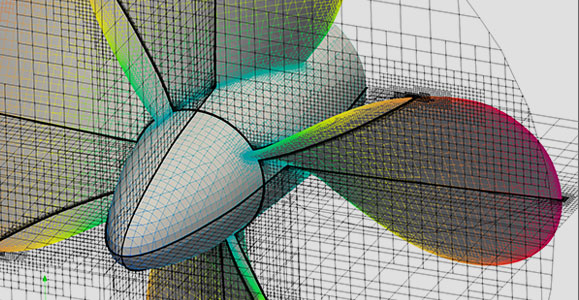
External aerodynamics, hull resistance, rotating machinery and internal flow, all from the same workflow.
Explore the product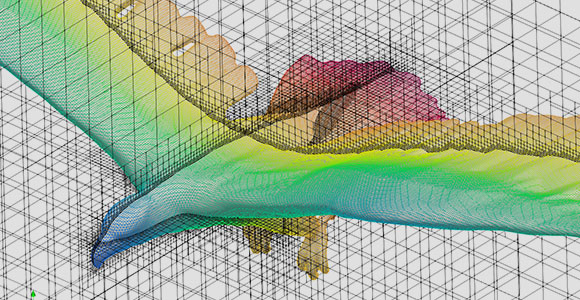
Grab the evaluation build, or tell us about your case and we will help you set it up.